
- Image to Video & Text to Video
- Google Veo 3 Fast Support
- Google Veo 3 Quality Support
- Accurate lip sync
- Auto speech & Auto sound
- 60+ AI video effects
- 720p video resolution
- Max 8 second videos
- Up to 2 concurrent jobs
- Private generation
- Watermark-free downloads
- Commercial use rights
- Unlimited storage
- Priority Generation
- Ad-free
- Standard support
Veo3.bot offers advanced AI-driven video generation with native audio, 1080p resolution, and realistic physics simulation. Using text or images, users can create professional videos quickly without needing a Gemini AI subscription.
Promote this Tool
Update this Tool
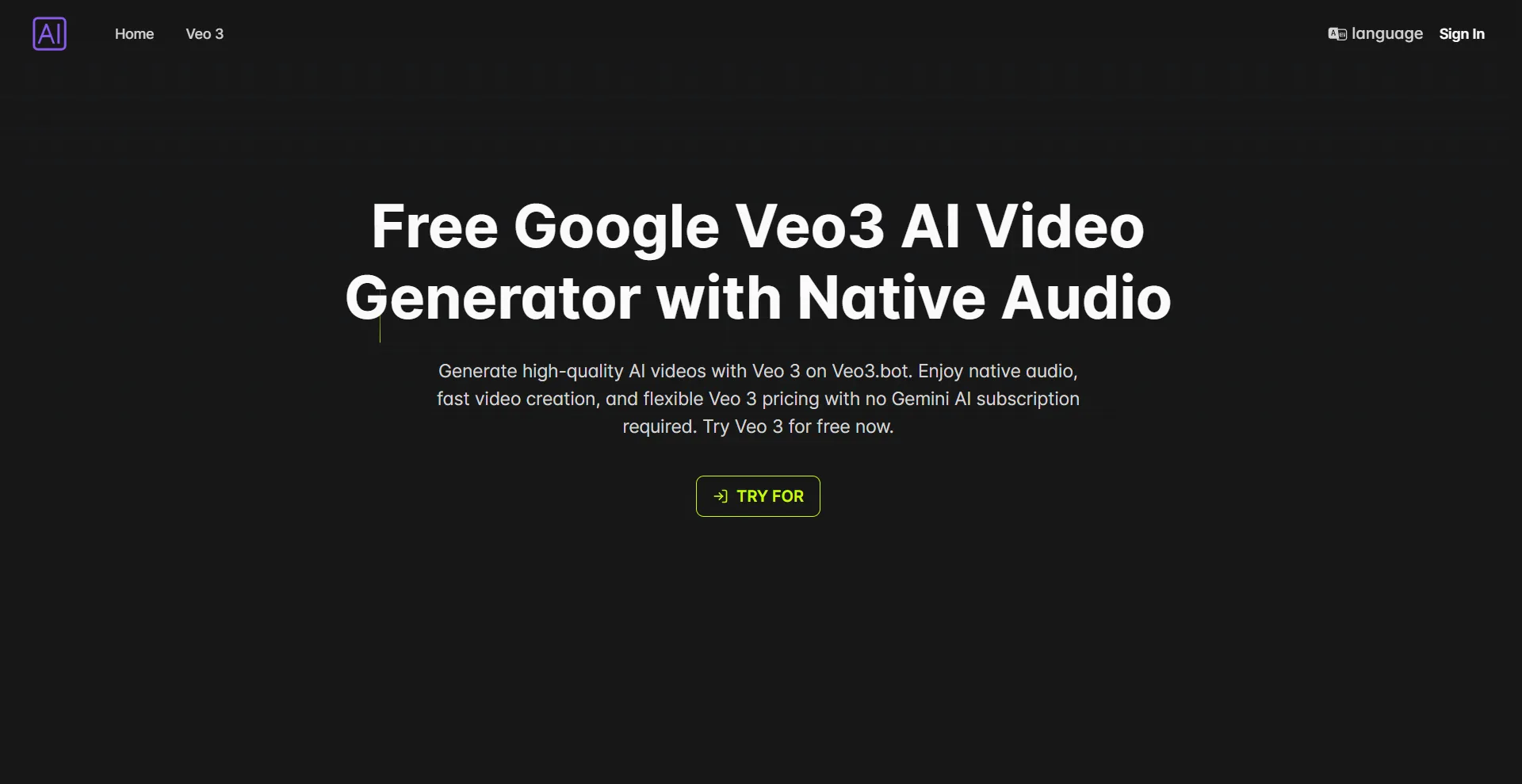

Veo3.bot: Free Access to Google Veo 3 AI Video Generation with Native Audio
Veo3.bot offers advanced AI-driven video generation with native audio, 1080p resolution, and realistic physics simulation. Using text or images, users can create professional videos quickly without needing a Gemini AI subscription.
Ads
What is Veo3.bot: Free Access to Google Veo 3 AI Video Generation with Native Audio?
Veo3.bot is an AI-enhanced video generation platform leveraging Google Veo 3 technology to create high-resolution, native audio-synced videos with advanced lip sync and physics simulation. Users can input text prompts or images to generate videos using Veo 3 or Veo 3 Fast models. It caters to creators, marketers, educators, and developers seeking fast, flexible AI video solutions without subscription constraints.
Who will use Veo3.bot: Free Access to Google Veo 3 AI Video Generation with Native Audio?
- Social media content creators
- Marketing teams
- Educators and corporate trainers
- Developers and startups
How to use the Veo3.bot: Free Access to Google Veo 3 AI Video Generation with Native Audio?
- Step1: Visit Veo3.bot and enter a text prompt or upload an image.
- Step2: Choose between Veo 3 and Veo 3 Fast video generation models.
- Step3: Click 'Generate' to create your AI video instantly.
- Step4: Preview, refine if needed, then download your video with no restrictions.
Platform
- Web
Veo3.bot: Free Access to Google Veo 3 AI Video Generation with Native Audio's Core Features & Benefits
The Core Features
- Native audio integration with synchronized voiceovers
- Advanced lip sync accuracy
- 1080p high-resolution video output
- Realistic lighting and physics simulation
- Support for text-to-video and image-to-video generation
- Choice between Veo 3 and Veo 3 Fast models
The Benefits
- Fast and easy video creation without complex setup
- High-quality professional video output
- No requirement for Gemini AI subscription
- Flexible pricing with pay-per-use
- Suitable for diverse content needs from marketing to education
Veo3.bot: Free Access to Google Veo 3 AI Video Generation with Native Audio's Main Use Cases & Applications
- Creating social media and marketing videos
- Producing educational and training materials
- Generating content for presentations and product demos
- Integrating AI video generation features into applications
Veo3.bot: Free Access to Google Veo 3 AI Video Generation with Native Audio's Pros & Cons
The Pros
High-quality native audio and video synchronization
Supports both text and image-driven video generation
No subscription requirement to Gemini AI
Flexible pay-per-use pricing
Easy-to-use web platform
The Cons
Limited to web platform only
No dedicated mobile apps found
Open source status not available
Limited information on integration APIs publicly
Veo3.bot: Free Access to Google Veo 3 AI Video Generation with Native Audio's Pricing
| Has free plan | YES |
|---|---|
| Free trial details | |
| Pricing model | Paid |
| Is credit card required | No |
| Paid from | 7.9 USD |
| Has lifetime plan | No |
| Billing frequency | Monthly |
Details of Pricing Plan
Basic
7.9 USDPro
39.9 USD- Image to Video & Text to Video
- Google Veo 3 Fast Support
- Google Veo 3 Quality Support
- Accurate lip sync
- Auto speech & Auto sound
- 60+ AI video effects
- 1080p video resolution
- Max 8 second videos
- Up to 4 concurrent jobs
- Private generation
- Watermark-free downloads
- Commercial use rights
- Unlimited storage
- Priority Generation
- Ad-free
- Priority support
Ultra
59.9 USD- Image to Video & Text to Video
- Google Veo 3 Fast Support
- Google Veo 3 Quality Support
- Accurate lip sync
- Auto speech & Auto sound
- 60+ AI video effects
- 1080p video resolution
- Max 8 second videos
- Up to 6 concurrent jobs
- Private generation
- Watermark-free downloads
- Commercial use rights
- Unlimited storage
- Priority Generation
- Ad-free
- Premium support
FAQs of Veo3.bot: Free Access to Google Veo 3 AI Video Generation with Native Audio
Veo3.bot: Free Access to Google Veo 3 AI Video Generation with Native Audio Company Information
Veo3.bot: Free Access to Google Veo 3 AI Video Generation with Native Audio Reviews
5/5
Veo3.bot: Free Access to Google Veo 3 AI Video Generation with Native Audio's Main Competitors and alternatives?
Synthesia
Pictory
Lumen5
RunwayML
You may also like:

Turn text prompts and reference images into AI-generated videos, images, voiceovers, and reusable character-led content.
Turn text prompts, photos, or reference images into 1080p videos up to 30 seconds with generated dialogue, effects, and music.
Create and refine images, videos, audio, and 3D assets in one canvas, with conversational agents that retain project context.
Magi 2 makes 4–30 second 1080p AI videos with native sound, lip sync and shot cuts placed to the second.
Create synchronized videos up to 30 seconds from text, images, and clips, with camera guidance and consistent characters.
Direct camera action, dialogue, sound and cuts to create or revise short videos up to 30 seconds in 1080p.
Generate videos, images, and music from prompts or references in one workspace using shared credits and a centralized asset library.
Create watermark-free videos from text prompts or photos, with selectable models, aspect ratios, durations, and resolutions.
Turn prompts, images, or references into reviewable video drafts with text-to-video, image-to-video, and first-and-last-frame controls.
Turn a photo, text prompt, or reference image into a short AI video using templates and adjustable generation settings.
Create directed video scenes from text, photos, or paired keyframes, with controls for camera movement, framing, and sound.
Turn prompts and reference media into up-to-30-second videos with directed shots, synchronized sound, and output up to 1080p.
Turn text prompts, photos, or ready-made templates into AI-generated videos, then revisit finished work in your My Creations library.
Generate short videos from text, images, or reference media, with synchronized sound, shot controls, and downloadable MP4 exports.
TeraBox is an all-in-one AI workspace and cloud storage platform for creating presentations, writing content, generating
Create images and short videos from prompts or photos, switching among multiple generation models and reusable templates in one account.
Turn text prompts and images into videos, with options for synchronized audio, frame control, and resolutions up to 4K.
Yovid turns text prompts, photos, or existing clips into downloadable AI videos with model, duration, and resolution controls.
Create short videos from prompts and references, then refine scenes conversationally with native ambience, dialogue, and music direction.
Recreate short viral-style videos by replacing visible subjects, products, objects, or backgrounds while preserving the reference motion and timing.