
- 5 free videos per day
- 1 video generation at a time
- Limited multi-track sessions
- Limited Real-Time Swap
- 7-day asset and generation storage

Viggle Ai
0
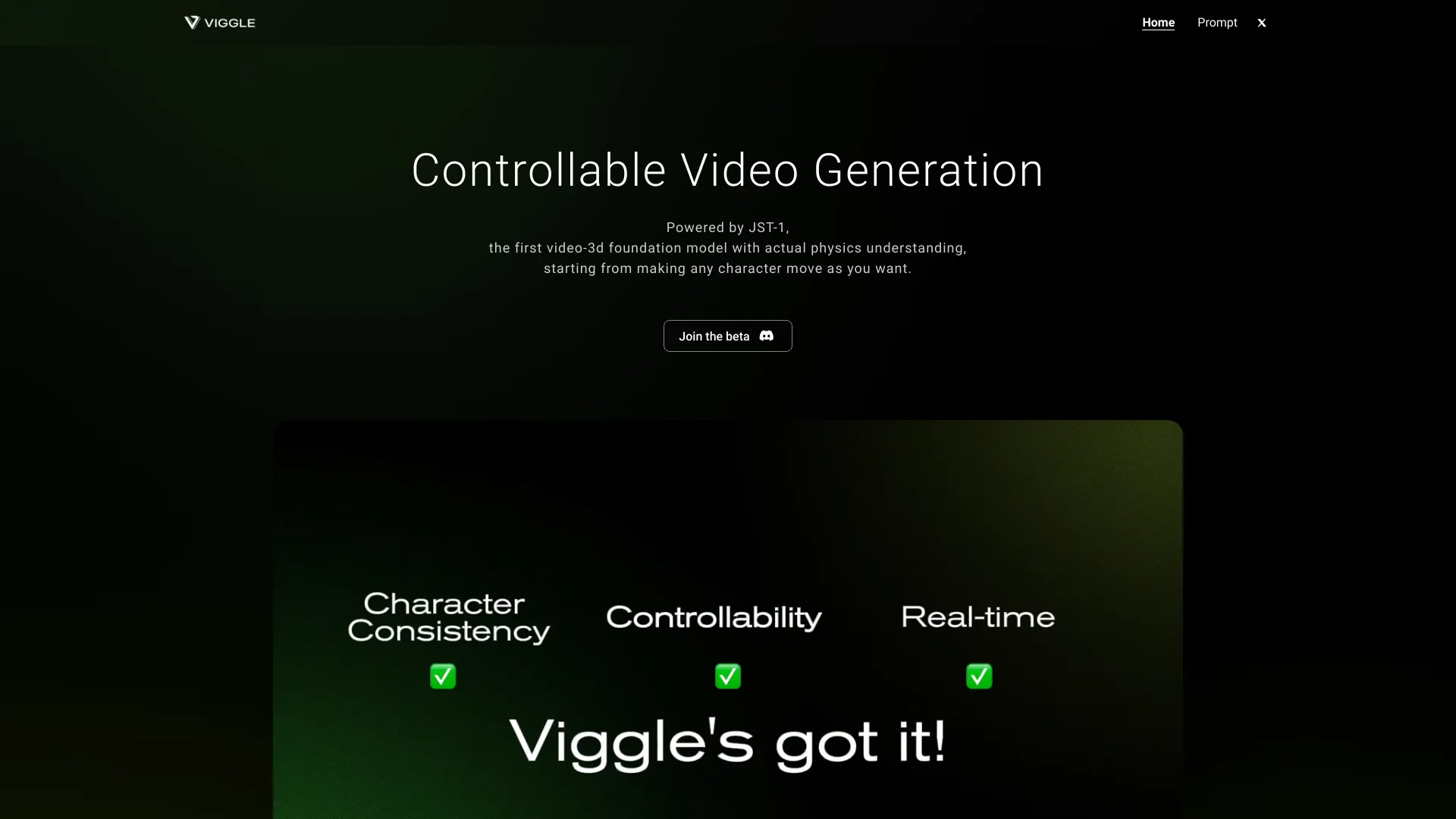
Viggle turns text, photos, and clips into character motion and 3D scenes. With PINOC, users can describe a scene or upload an image, then explore the resulting world. Meme Maker supports character swaps in clips, motion additions, and shareable videos, while its Games section offers templates to play and remix. Developers can also use Viggle’s API to add character swapping, motion capture, and interactive experiences to their products.
Promote this Tool
Update this Tool
Viggle Ai
Viggle turns text, photos, and clips into character motion and 3D scenes. With PINOC, users can describe a scene or upload an image, then explore the resulting world. Meme Maker supports character swaps in clips, motion additions, and shareable videos, while its Games section offers templates to play and remix. Developers can also use Viggle’s API to add character swapping, motion capture, and interactive experiences to their products.
Ads
What is Viggle Ai?
Viggle combines creative workflows for character motion, video remixing, and spatial scenes. PINOC, built on JST-2, can make 3D worlds, characters, and motion from a text description, photo, or clip; users can explore generated worlds by walking around them. Meme Maker lets creators remix trending clips, replace one or multiple characters, add motion, and create shareable videos. A real-time character-swapping option is also offered. The Games area provides templates users can play and remix with their own characters. Developers can use the Viggle API to add character creation, motion capture, character swapping, and interactive experiences to games, creative tools, and applications. The site also links to agent integrations for Meme Maker and PINOC.
Who will use Viggle Ai?
- Social media creators making memes and character videos
- Artists and creators exploring 3D scenes and motion
- Game developers building character-driven experiences
- Brands and creative teams producing interactive campaigns
- Developers integrating character and motion features through an API
How to use the Viggle Ai?
- Step1: Choose a Viggle product, such as PINOC, Meme Maker, or Games.
- Step2: For PINOC, describe a scene or provide a photo or clip; for Meme Maker, choose a clip or character-swapping workflow.
- Step3: Select or customize the scene, character, motion, or game template for your project.
- Step4: Generate or play the result, then remix it or use it in your creative project.
- Step5: If building an application, review the API documentation and integrate Viggle’s character and motion capabilities.
Platform
- Web
- Android
- iOS
Viggle Ai's Core Features & Benefits
The Core Features
- Generate 3D worlds, characters, and motion from text, photos, or clips
- Swap one or multiple characters in videos
- Add motion to characters and swap characters in real time
- Play and remix game templates with custom characters
- API access for character creation, motion capture, and character swapping
The Benefits
- Create character-based social videos and memes from existing clips
- Explore generated 3D scenes as walkable worlds
- Bring character and motion features into games and creative applications
- Remix templates for interactive and shareable experiences
Viggle Ai's Main Use Cases & Applications
- Making character-swap memes and social videos
- Adding motion to characters in clips
- Creating and exploring 3D scenes from prompts or images
- Remixing character-based game templates
- Building character-driven games and interactive experiences with the API
- Creating branded interactive or personalized video experiences
Viggle Ai's Pros & Cons
The Pros
Supports several creative workflows, including video remixing, motion generation, 3D scene creation, and games
Accepts text, photos, and clips for PINOC scene creation
Offers API capabilities for integrating character and motion features into other products
Includes single-character, multi-character, and real-time character-swapping options
The Cons
Its creative focus is centered on character motion, scene generation, video remixing, and games rather than general-purpose video editing
Viggle Ai's Pricing
| Has free plan | YES |
|---|---|
| Free trial details | |
| Pricing model | freemium |
| Is credit card required | No |
| Paid from | 9.99 USD |
| Has lifetime plan | No |
| Billing frequency | monthly/yearly |
Details of Pricing Plan
Viggle AI Free
0 USDAPI
0.01 USD per credit- Pay as you go
- New accounts get 100 free credits
Viggle AI Pro
9.99 USD- 80 credits per month
- Faster video generation
- Up to 4 video generations at once
- Limited Real-Time Swap sessions
- Permanent asset storage
- No watermark
- Unlimited Multi-Track sessions
- Larger motion video uploads
- All models except Seedance
PINOC
10.39 USD- Starting monthly price
Viggle AI Live
19.99 USD- 200 credits per month
- Faster video generation
- Up to 6 video generations at once
- Stream 6+ hours in Real-Time Swap
- Permanent asset storage
- No watermark
- Unlimited Multi-Track sessions
- Larger motion video uploads
- Access to all models
Viggle AI Max
79.99 USD- 800 credits per month
- Faster video generation
- Up to 10 video generations at once
- Unlimited Real-Time Swap sessions
- Permanent asset storage
- No watermark
- Unlimited Multi-Track sessions
- Larger motion video uploads
- Access to all models
Discount:Save 20% on annual Viggle AI plans.
FAQs of Viggle Ai
Viggle Ai Company Information
- Website:
- Company Name: Magnific AI Technology
- Support Email:
- Facebook:
- X(Twitter):
- YouTube:
- Instagram:
- Tiktok:
- LinkedIn:
Analytic of Viggle Ai
Visit Over Time
Monthly Visits
2.3M
Avg Visit Duration
00:05:39
Page Per Visit
9.57
Bounce Rate
31.51%
Jul 2026 - Sep 2026 All Traffic
Geography
Top 5 Regions

United States
19.16%
India
8.57%
Russia
3.9%
Mexico
3.68%
Turkey
3.43%
Jul 2026 - Sep 2026 Worldwide Desktop Only
Traffic Sources
SearchOrganic
47.03%
Direct
36.42%
Referrals
8.00%
SocialOrganic
5.94%
GenAi
1.94%
Mail
0.39%
SearchPaid
0.12%
DisplayAds
0.11%
SocialPaid
0.07%
Sep 2026 Desktop Only
Top Keywords
| Keyword | Traffic | Cost Per Click |
|---|---|---|
| viggle ai | 173.2k | $0.36 |
| viggle | 34.1k | $0.53 |
| viggle ia | 3.7k | $0.13 |
| viggie ai | 2.4k | $0.95 |
| wiggle ai | 2.6k | $0.53 |

How to install?
Viggle Ai Reviews
5/5
Viggle Ai's Main Competitors and alternatives?
You may also like:
Generate 1K–4K images from text prompts, steer composition with up to 16 references, and render readable multilingual lettering.
Generate realistic or anime feet images from prompts and presets, then download clean results without signing up or watermarks.
Generate and refine images from prompts and references, with natural-language edits, integrated typography, batch creation, and output up to 4K.
Create consistent anime and fantasy characters from prompts or reference images, then animate them into short scenes.
Media.io CLI connects AI agents to image and video generation models, with one setup and eligible free creation options.
Create and revise product visuals, posters, illustrations, and explanations from text prompts and reference images.
Generate illustrations, photos, posters, and product visuals from text or reference images, then upscale and edit them.
Create usable visuals from text prompts or reference images, then compare revisions and download the version that fits your brief.
Create high-definition images from text prompts, then refine photos with background removal, upscaling, expansion, and object erasing tools.
Generate detailed images, edit existing photos, and maintain recognizable products or characters across multiple visual scenes.
Generate and edit images from prompts and reference photos while preserving readable text, faces, products, and selected visual details.
Create images from text in any language, enhance prompts automatically, and edit photos with simple AI instructions.
Generate or edit images from text and photos, refine changes step by step, and create transparent-background results in 1K–4K resolutions.
Create custom images from text prompts or reference images, then refine composition, lighting, and style.
Generate product photos, posters, and social visuals from text or references, then refine edits in one browser studio.
Create and edit marketing visuals with readable multilingual text, reference images, consistent subjects, flexible ratios, and exports up to 4K.
Create videos and images from text or reference images, with motion, sound, multi-shot scenes, and commercial-use outputs.
Create and refine images from text, references, or sketches with targeted edits, custom sizes, and outputs up to 4K.
Create polished images from prompts or reference photos, make precise edits, preserve layouts, and export high-resolution results up to 4K.
Generate campaign-ready images from text or references, compare models, and export correctly sized PNG or JPG assets.