
VisionMorpher allows users to transform images using AI technology. Upload, draw, erase, and generate captivating visuals effortlessly.
Promote this Tool
Update this Tool

VisionMorpher
VisionMorpher allows users to transform images using AI technology. Upload, draw, erase, and generate captivating visuals effortlessly.
Ads
What is VisionMorpher?
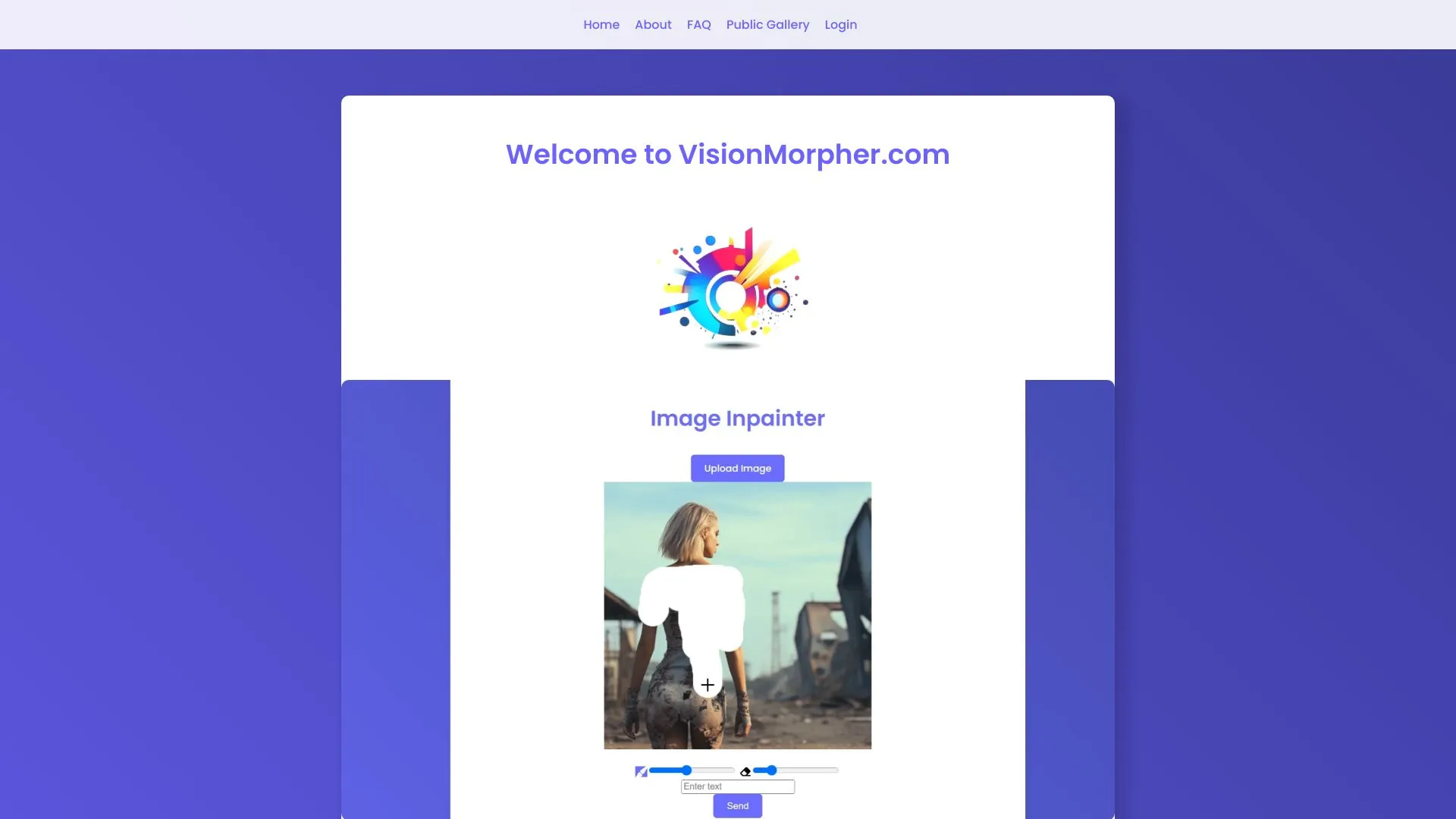
VisionMorpher is an AI-powered generative image filler designed to transform your images. Users can easily upload images, draw or erase parts, and generate stunning visual effects with simple interactions. The tool leverages advanced AI algorithms to provide intuitive and interactive editing capabilities, making high-quality visual content creation accessible to everyone, regardless of their technical expertise.
Who will use VisionMorpher?
- Graphic Designers
- Digital Artists
- Content Creators
- Social Media Managers
- Marketing Professionals
How to use the VisionMorpher?
- Step1: Go to VisionMorpher.com.
- Step2: Create or log into your account.
- Step3: Upload your image.
- Step4: Use the drawing and erasing tools to modify the image.
- Step5: Apply desired effects using the AI-powered options.
- Step6: Save or download your transformed image.
Platform
- Web
VisionMorpher's Core Features & Benefits
The Core Features
- AI-powered image transformation
- Easy upload and download
- Interactive drawing and erasing tools
- High-quality visual effects
- User-friendly interface
The Benefits
- Effortless image editing
- High-quality results
- Accessibility for all skill levels
- Time-saving tool
- Versatile usage
VisionMorpher's Main Use Cases & Applications
- Social media content
- Marketing campaigns
- Digital artwork
- Website visuals
- Personal projects
VisionMorpher's Pros & Cons
The Pros
AI-powered image editing simplifies complex tasks
User-friendly interface for quick transformations
Supports image modifications with text prompts
Saves generated images for user review and management
The Cons
No refund for used credits except in case of server errors
Limited maximum image size (512x512px currently)
AI may generate undesirable results if prompts are inaccurate
VisionMorpher's Pricing
| Has free plan | No |
|---|---|
| Free trial details | |
| Pricing model | |
| Is credit card required | No |
| Paid from | |
| Has lifetime plan | No |
| Billing frequency |
FAQs of VisionMorpher
VisionMorpher Company Information
- Website:
- Company Name: VisionMorpher
- Support Email:
- Facebook:
- X(Twitter):
- YouTube:
- Instagram:
- Tiktok:
- LinkedIn:
VisionMorpher Reviews
5/5
VisionMorpher's Main Competitors and alternatives?
UltraWallpapers AI
Morph Studio
AI Images for Hospitality Providers
You may also like:

Edit photos by describing changes in text, including background replacement, object removal, lighting adjustments, and style changes.
Create images or edit uploaded photos with one sentence, including readable text, multi-image blending, and 4K output.
Create and revise product visuals, posters, illustrations, and explanations from text prompts and reference images.
Create high-definition images from text prompts, then refine photos with background removal, upscaling, expansion, and object erasing tools.
Edit photos with prompts, remove objects, expand canvases, enhance resolution, and combine references in an online workspace.
Generate detailed images, edit existing photos, and maintain recognizable products or characters across multiple visual scenes.
100% free AI photo editor for editing images with simple prompts. No sign-up required.
Create images from text in any language, enhance prompts automatically, and edit photos with simple AI instructions.
Create and refine images from text, references, or sketches with targeted edits, custom sizes, and outputs up to 4K.
Create images from text or edit uploaded photos by replacing backgrounds, objects, lighting, styles, and visible wording.
Generate and edit 4K images from prompts or uploads, with background removal, restoration, try-on, and 14 aspect ratios.
Turn floor plans, sketches, photos, and product images into editable concepts, photorealistic renders, material variations, and client-ready design reports.
Edit, restyle, and enhance uploaded photos with text prompts, including background replacement and object removal, directly in your browser.
Create professional ecommerce product images, ads, and listing visuals with AI—no photoshoots or design skills required.
MODCAR.ai previews realistic car modifications on your own vehicle photos in seconds, directly in the browser.
Free AI image generator and editor for creating high-quality visuals from text and reference images.
AI image generator with style control, reference-based editing, and high-resolution output for creative visuals.
Vidmud AI Photo Enhancer is a free, 1-click tool to unblur and upscale photos to HD with no sign-up and total privacy.