

Voicemod
0
Voicemod routes your microphone through a virtual mic so you can apply real-time voice effects in games, voice apps, and streams. Choose from more than 200 voices, play soundboard clips, or create and adjust effects in Voicelab. You can assign sounds to keybinds, capture clips from different sources, and use Instant Replay to rewind up to 30 seconds. The desktop app also includes noise suppression and voice enhancement.
Promote this Tool
Update this Tool
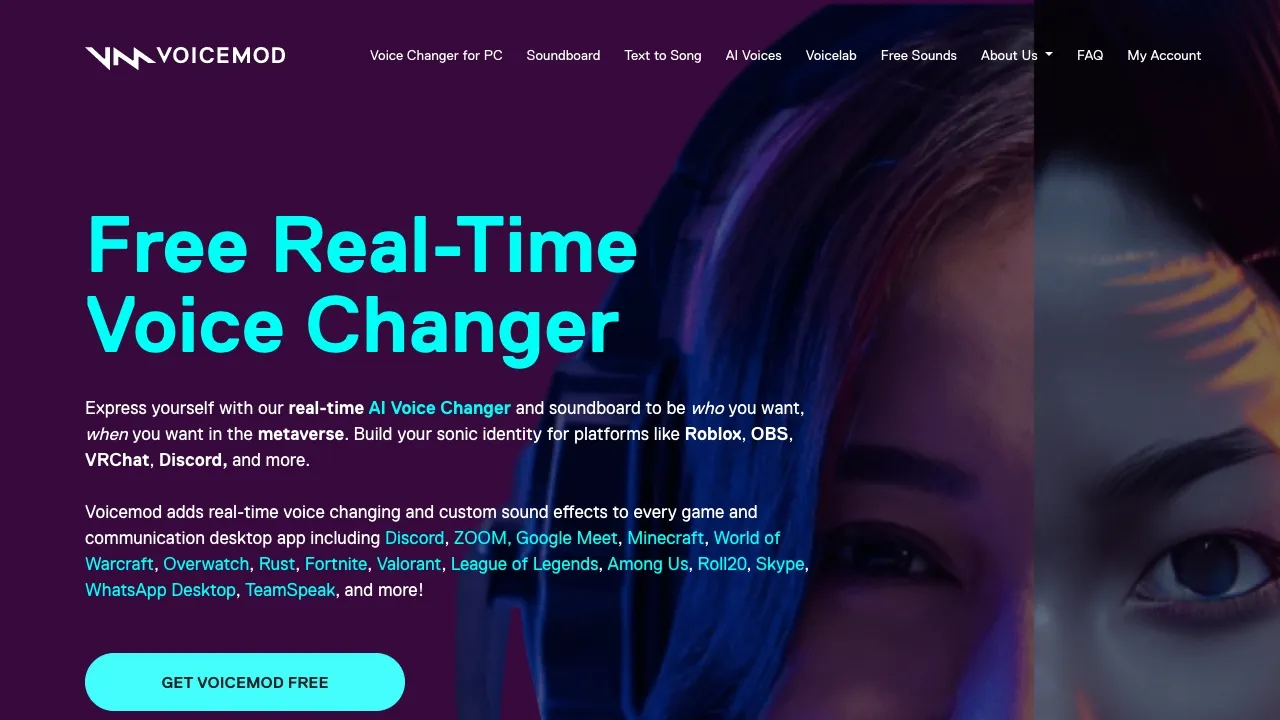
Voicemod routes your microphone through a virtual mic so you can apply real-time voice effects in games, voice apps, and streams. Choose from more than 200 voices, play soundboard clips, or create and adjust effects in Voicelab. You can assign sounds to keybinds, capture clips from different sources, and use Instant Replay to rewind up to 30 seconds. The desktop app also includes noise suppression and voice enhancement.
Ads
What is Voicemod?
Voicemod changes microphone audio in real time, letting users choose from more than 200 voices while speaking in supported games and voice apps. Its soundboard plays clips and memes, with keybinds for triggering sounds quickly. Users can browse community voices and sounds, then add favorites to their soundboards. Voicelab provides tools to create or tweak voices by mixing effects such as reverb, delay, and Robotifier. The app installs a virtual microphone, which users select as the input device in their game or communication app. Built-in noise suppression and voice enhancement process microphone audio, while Instant Replay can rewind up to 30 seconds to capture a sound clip. A separate Voicemod Soundboard App can remotely control sounds from a phone.
Who will use Voicemod?
- Gamers who use in-game voice chat
- Streamers and video creators
- People who use Discord and other voice-chat apps
- Users who want to create or customize voice effects
- People who use sound clips and memes in group chats
How to use the Voicemod?
- Step1: Download and install the Voicemod desktop app.
- Step2: Allow the app to install its virtual microphone.
- Step3: Select Voicemod Virtual Microphone as the input device in the game or voice app you use.
- Step4: Choose a voice effect, or build and adjust one in Voicelab.
- Step5: Select soundboard clips and assign keybinds to trigger them during chats or streams.
- Step6: Use Recorder or Instant Replay to capture sound clips when needed.
Platform
- Mac
- Windows
Voicemod's Core Features & Benefits
The Core Features
- Real-time microphone voice changing with more than 200 voices
- Soundboard for playing clips and meme sounds
- Voicelab tools for creating and tweaking voices
- Keybinds for triggering sounds
- Recorder and Instant Replay with rewind up to 30 seconds
- Built-in noise suppression and voice enhancement
The Benefits
- Add voice effects to game chats, calls, and streams
- Trigger reactions without navigating away from a game
- Personalize voices by mixing audio effects
- Capture clips from sources including YouTube and games
Voicemod's Main Use Cases & Applications
- Changing voice during multiplayer game chats
- Adding sound effects and memes to Discord conversations
- Using voice effects and sound clips in livestreams
- Creating custom voices for roleplay or online chats
- Recording and replaying clips for soundboards
Voicemod's Pros & Cons
The Pros
Supports real-time voice changing and soundboard playback in games and voice apps
Offers more than 200 voices and custom effects through Voicelab
Includes keybinds, noise suppression, and voice enhancement
Instant Replay can rewind up to 30 seconds
The Cons
Desktop setup requires installing a virtual microphone and selecting it in each app or game
Console voice changing requires the separate Voicemod Key hardware
Voicemod's Pricing
| Has free plan | YES |
|---|---|
| Free trial details | |
| Pricing model | free |
| Is credit card required | No |
| Has lifetime plan | No |
| Billing frequency |
Details of Pricing Plan
Free
0FAQs of Voicemod
Voicemod Company Information
- Website:
- Company Name: Voicemod
- Support Email:
- Facebook:
- X(Twitter):
- YouTube:
- Instagram:
- Tiktok:
- LinkedIn:
Analytic of Voicemod
Visit Over Time
Monthly Visits
3.9M
Avg Visit Duration
00:01:56
Page Per Visit
4.00
Bounce Rate
36.02%
Jul 2026 - Sep 2026 All Traffic
Geography
Top 5 Regions

United States
26.16%
Russia
6.08%
Philippines
5.3%
Indonesia
4.97%
Germany
3.72%
Jul 2026 - Sep 2026 Worldwide Desktop Only
Traffic Sources
SearchOrganic
55.54%
Direct
29.49%
SocialOrganic
6.40%
Referrals
5.87%
GenAi
0.77%
SocialPaid
0.75%
SearchPaid
0.45%
DisplayAds
0.45%
Mail
0.28%
Affiliate
0.01%
Sep 2026 Desktop Only
Top Keywords
| Keyword | Traffic | Cost Per Click |
|---|---|---|
| voicemod | 562.4k | $0.82 |
| voice mod | 84.5k | $0.84 |
| voice changer | 232.7k | $0.49 |
| soundboard | 504.1k | $1.06 |
| voicemod download | 22.9k | $1.81 |
Voicemod Reviews
5/5
Voicemod's Main Competitors and alternatives?
You may also like:
Free online AI audio enhancer for clearer speech in podcasts, videos, and spoken recordings.
VoiSpark offers advanced AI-powered voice generation, cloning, and modification tools for creators.
Microsoft SAM TTS brings the classic Windows XP voice synthesizer to modern browsers with nostalgia.
Voice Docs is an AI agent focused on voice document processing using advanced voice recognition technology.
Speechify is an AI-driven text-to-speech tool for converting written content into audio format.
Add lane centering and adaptive cruise to a compatible car, reducing driving fatigue while keeping your eyes on the road.
TypeWhisperer is an advanced AI writing assistant providing comprehensive solutions for all writing needs.
Change your voice in real time with lifelike effects for chats, games, livestreams, recordings, and creative audio.
Turn scripts into expressive voiceovers in 154+ languages, then export finished audio as MP3 or WAV.