
- 540 Credits
- ~54 videos/month
- $0.220 per video
- High-quality video generation
- Standard generation speed
- Email support

Wan 2.7 Video & Image
0
Discontinued
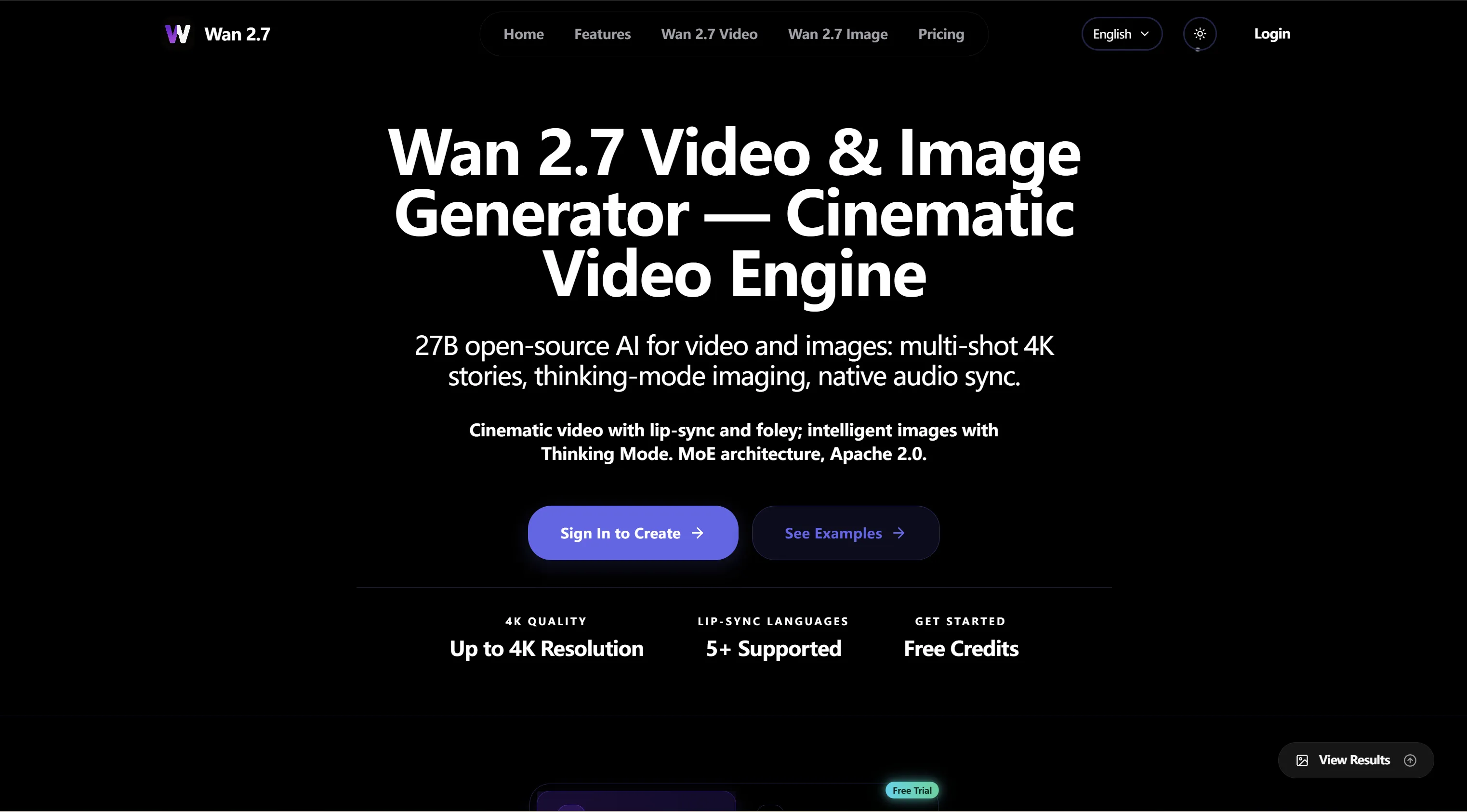
0 ReviewsWan 2.7 is an open-source AI generation suite for creating cinematic videos and intelligent images. It uses a 27B Mixture-of-Experts architecture to produce multi-shot 4K videos with native lip-sync, foley audio, and character consistency, plus Thinking Mode image generation for better composition and text rendering. The platform supports local deployment, commercial use, and free online creation.
Wan 2.7 Video & Image
Wan 2.7 is an open-source AI generation suite for creating cinematic videos and intelligent images. It uses a 27B Mixture-of-Experts architecture to produce multi-shot 4K videos with native lip-sync, foley audio, and character consistency, plus Thinking Mode image generation for better composition and text rendering. The platform supports local deployment, commercial use, and free online creation.
Discontinued
Ads
What is Wan 2.7 Video & Image?
Wan 2.7 is an open-source AI video and image generation platform built on a 27B Mixture-of-Experts model. It can create 4K multi-shot videos with native audio, lip-sync, and scene consistency, while its image generator uses Thinking Mode for more accurate composition, multi-reference control, and rich text rendering. The system supports multiple aspect ratios, image-to-image and text-to-image workflows, and local GPU execution with no API fees.
Who will use Wan 2.7 Video & Image?
- Filmmakers and indie creators
- Content creators and YouTubers
- Marketing teams and social media managers
- Digital artists and designers
- Studios and production teams
- E-commerce founders
- Researchers and open-source AI users
How to use the Wan 2.7 Video & Image?
- Step1: Choose either the Video Generator or Image Generator based on your creative goal.
- Step2: Enter a text prompt, image prompt, or multi-reference inputs to guide generation.
- Step3: Configure settings such as aspect ratio, resolution, frame control, or reference images.
- Step4: Select video language, duration, or image output mode if needed.
- Step5: Click Generate and wait for the model to produce the result.
- Step6: Review, download, or reuse the generated video or image for your project.
Platform
- Web
Wan 2.7 Video & Image's Core Features & Benefits
The Core Features
- 4K multi-shot video generation
- Native audio synthesis and lip-sync
- Thinking Mode image generation
- First/Last Frame control
- 9-grid and multi-reference input
- Text-to-image and image-to-image workflows
- Character consistency across scenes
- Transparent PNG export
The Benefits
- Produces cinematic, production-ready content
- Improves prompt adherence and composition quality
- Runs locally with no API fees
- Supports open-source customization and commercial use
- Speeds up content creation workflows
- Helps maintain brand and character consistency
Wan 2.7 Video & Image's Main Use Cases & Applications
- Creating short cinematic videos from text prompts
- Generating multilingual marketing videos with lip-sync
- Designing product visuals and promotional images
- Making storyboards, concept art, and scene drafts
- Producing social media content for campaigns
- Supporting motion graphics and lightweight studio workflows
- Transforming product photos into promo videos
Wan 2.7 Video & Image's Pros & Cons
The Pros
Open-source under Apache 2.0
High-quality 4K video output
Native lip-sync and audio generation
Thinking Mode improves image composition
Supports local deployment on consumer GPUs
Useful for both video and image creation
The Cons
Requires technical setup for local deployment
GPU requirements may still be high for some users
Video duration is limited to short clips
Advanced features may require a paid plan or credits for cloud use
Results may vary depending on prompt quality
Wan 2.7 Video & Image's Pricing
| Has free plan | No |
|---|---|
| Free trial details | |
| Pricing model | Paid (Subscription) |
| Is credit card required | YES |
| Paid from | 11.9 USD |
| Has lifetime plan | No |
| Billing frequency | Monthly |
Details of Pricing Plan
Basic
11.9 USDPro
39.9 USD- 2040 Credits
- ~204 videos/month
- $0.195 per video
- High-quality video generation
- Priority processing
- High quality output
- Priority support
- Commercial video license
Max
99.99 USD- 6000 Credits
- ~600 videos/month
- $0.166 per video
- High-quality video generation
- Fastest generation speed
- Permanent video storage
- Full commercial rights
- Dedicated account manager
Discount:Save 20% with annual billing
For the latest prices, please visit: https://wan27.art/pricingFAQs of Wan 2.7 Video & Image
Wan 2.7 Video & Image Company Information
- aiwan27.com

How to install?
Wan 2.7 Video & Image Reviews
5/5
Wan 2.7 Video & Image's Main Competitors and alternatives?
Runway
Midjourney
Pika
Luma AI
Stable Video Diffusion
Flux
You may also like:

Turn text prompts and reference images into AI-generated videos, images, voiceovers, and reusable character-led content.
Turn text prompts, photos, or reference images into 1080p videos up to 30 seconds with generated dialogue, effects, and music.
Magi 2 makes 4–30 second 1080p AI videos with native sound, lip sync and shot cuts placed to the second.
Create synchronized videos up to 30 seconds from text, images, and clips, with camera guidance and consistent characters.
Direct camera action, dialogue, sound and cuts to create or revise short videos up to 30 seconds in 1080p.
Generate videos, images, and music from prompts or references in one workspace using shared credits and a centralized asset library.
Create watermark-free videos from text prompts or photos, with selectable models, aspect ratios, durations, and resolutions.
Turn prompts, images, or references into reviewable video drafts with text-to-video, image-to-video, and first-and-last-frame controls.
Turn a photo, text prompt, or reference image into a short AI video using templates and adjustable generation settings.
Create directed video scenes from text, photos, or paired keyframes, with controls for camera movement, framing, and sound.
Turn prompts and reference media into up-to-30-second videos with directed shots, synchronized sound, and output up to 1080p.
Turn topics or scripts into YouTube videos with narration, matched licensed footage, custom animation, captions, and a clip-by-clip license sheet.
Turn text prompts, photos, or ready-made templates into AI-generated videos, then revisit finished work in your My Creations library.
Generate short videos from text, images, or reference media, with synchronized sound, shot controls, and downloadable MP4 exports.
Create images and short videos from prompts or photos, switching among multiple generation models and reusable templates in one account.
Turn text prompts and images into videos, with options for synchronized audio, frame control, and resolutions up to 4K.
Yovid turns text prompts, photos, or existing clips into downloadable AI videos with model, duration, and resolution controls.
Create short videos from prompts and references, then refine scenes conversationally with native ambience, dialogue, and music direction.
Generate images and videos from text or visual references, with synchronized native audio and multi-shot character consistency.
Create 3–30-second videos with synchronized stereo sound from text, images, reference clips, then edit or extend them by sentence.