

WeShop
0
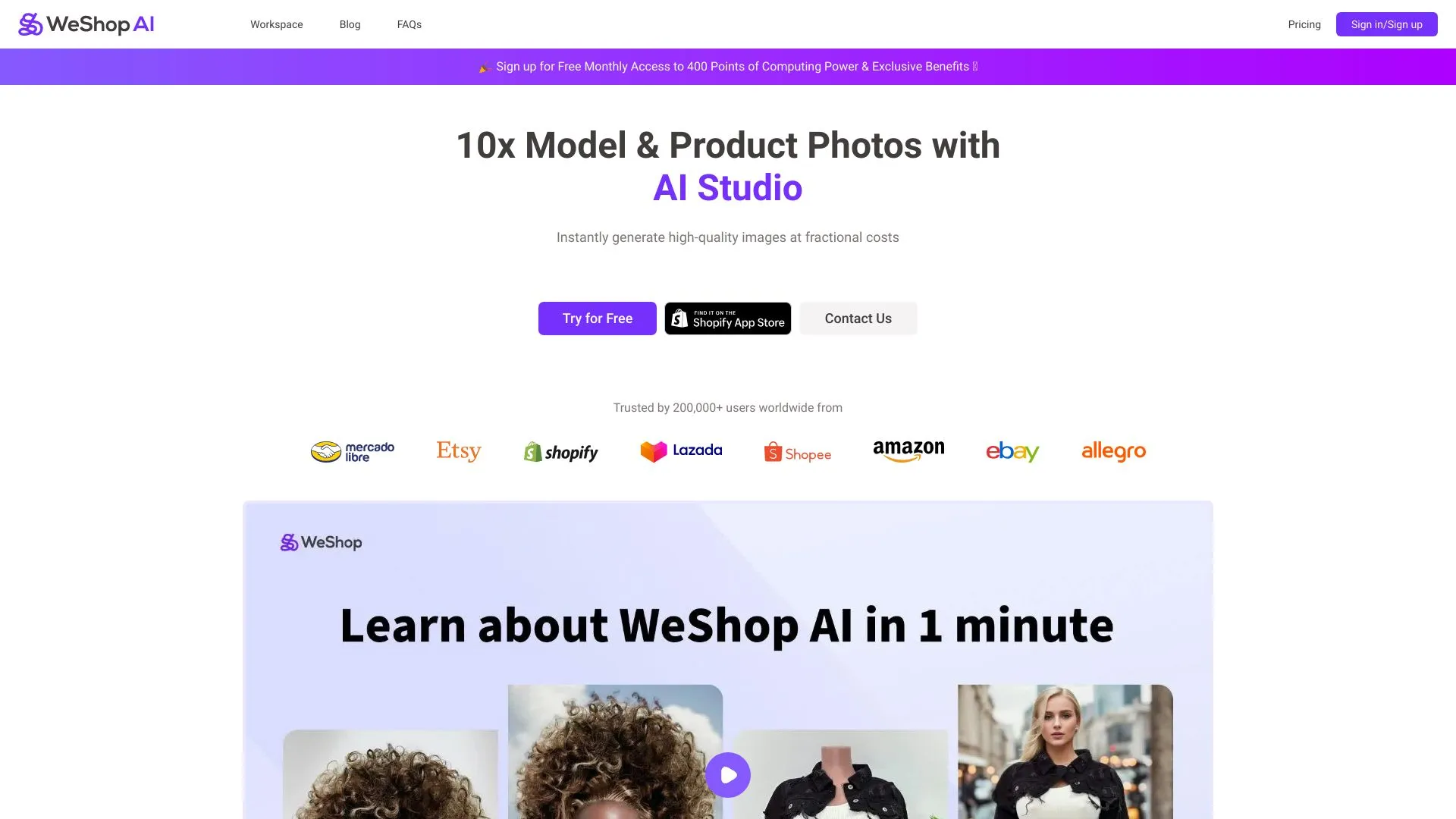
WeShop AI turns prompts and uploaded images into product photos, fashion visuals, and AI-generated videos. Its tools cover virtual try-on, AI fashion models, product photography, pose changes, background removal, image enhancement, and more. Users can select from supported image and video models, then create or edit visual assets for ecommerce listings, campaigns, and social content. The service is available on the web and through iOS and Android apps.
Promote this Tool
Update this Tool
WeShop AI turns prompts and uploaded images into product photos, fashion visuals, and AI-generated videos. Its tools cover virtual try-on, AI fashion models, product photography, pose changes, background removal, image enhancement, and more. Users can select from supported image and video models, then create or edit visual assets for ecommerce listings, campaigns, and social content. The service is available on the web and through iOS and Android apps.
Ads
What is WeShop?
WeShop AI brings image and video creation tools together for ecommerce and creative work. Users can generate visuals from text prompts, work from uploaded images, and choose among supported image and video models. Ecommerce-focused features include product photography, virtual try-on, AI fashion models, outfit generation, pose changes, and converting models to mannequins. Image tools also include background removal, object erasing, photo enhancement, recoloring, and image combining. For video, the platform offers generation as well as enhancement and watermark removal. A workflow can start with an uploaded product image, then use a selected model and location to create a product showcase. The range of tools supports product listings, fashion visuals, marketing campaigns, and social content.
Who will use WeShop?
- Ecommerce merchants and online sellers
- Fashion brands and retailers
- Photographers and designers
- Marketing teams and content creators
- Ecommerce operations teams
- Third-party creative service providers
How to use the WeShop?
- Step1: Open WeShop AI on the web or in its mobile app.
- Step2: Choose an image or video tool based on the visual you want to create or edit.
- Step3: Upload a source image or enter a text prompt, depending on the selected tool.
- Step4: Select an available model or settings such as location, aspect ratio, or duration when offered.
- Step5: Generate the result, review it, and refine the prompt or settings if needed.
- Step6: Use the finished visual for a product listing, campaign, or other creative content.
Platform
- Web
- Mac
- Windows
WeShop's Core Features & Benefits
The Core Features
- Generate images and videos from prompts or reference media
- Create ecommerce product photography and fashion model imagery
- Use virtual try-on and outfit-generation tools
- Edit images with background removal, erasing, enhancement, and recoloring
- Generate and enhance videos, including image-to-video workflows
The Benefits
- Create product visuals without arranging a traditional photoshoot for every variation
- Explore multiple image and video models in one service
- Produce fashion and product content for ecommerce and marketing
- Adapt uploaded images into new visual concepts and formats
WeShop's Main Use Cases & Applications
- Creating product images for online store listings
- Showing apparel on virtual models or through virtual try-on
- Generating fashion campaign and lookbook visuals
- Producing short videos for social media and marketing
- Removing backgrounds and retouching product photos
- Creating alternate poses, outfits, or image variations
WeShop's Pros & Cons
The Pros
Combines ecommerce-specific image tools with general image and video generation
Supports workflows using prompts and uploaded reference images
Offers dedicated virtual try-on, fashion model, and product photography tools
Has iOS and Android apps alongside web access
The Cons
Its focus is image and video creation, rather than full desktop design or timeline-based video editing.
FAQs of WeShop
WeShop Company Information
- Website:
- Company Name: WeShop AI
- Support Email:
- Facebook:
- X(Twitter):
- YouTube:
- Instagram:
- Tiktok:
- LinkedIn:
Analytic of WeShop
Visit Over Time
Monthly Visits
1.1M
Avg Visit Duration
00:02:58
Page Per Visit
6.48
Bounce Rate
41.33%
Jul 2026 - Sep 2026 All Traffic
Geography
Top 5 Regions

India
11.44%
Russia
7.59%
Indonesia
6.61%
Korea, Republic of
6.61%
Brazil
6.46%
Jul 2026 - Sep 2026 Worldwide Desktop Only
Traffic Sources
SearchOrganic
55.13%
Direct
32.71%
Referrals
4.72%
SocialOrganic
3.07%
DisplayAds
2.40%
Mail
1.31%
GenAi
0.57%
SearchPaid
0.05%
SocialPaid
0.04%
Sep 2026 Desktop Only
Top Keywords
| Keyword | Traffic | Cost Per Click |
|---|---|---|
| polybuzz | 1329.5k | $1.44 |
| weshop ai | 4.5k | $1.11 |
| ai clothes remover | 6.8k | — |
| remover legenda de video | 5.8k | $0.19 |
| ai bikini generator | 1.6k | $0.47 |
WeShop Reviews
5/5
WeShop's Main Competitors and alternatives?
Canva
Adobe Photoshop
Fotor
Pixlr
Crello
You may also like:
Identify thrift finds, compare real sold prices, estimate profit after fees, and get a buy-or-skip verdict from one photo.
AI video and image creation platform for TikTok-focused e-commerce ads, product visuals, and publishing.
GoMim is an AI-powered math solver providing step-by-step problem solving from basic to advanced math.
One Click Store is an AI-driven platform for seamless product searching and procurement.
Customers.ai leverages AI to enhance customer engagement and automate marketing efforts.
Unleash.so is an AI Agent that enhances developer productivity with intelligent code assistance.
SAP Shopping Assistant uses AI to enhance online shopping experiences with personalized recommendations.
Generate Amazon Affiliate deeplinks and AI posts effortlessly.
Affordable, innovative Learning Management System for small businesses starting at $89/month.
Inquir is an AI-powered search platform for creating custom search engines and integrating diverse data sources.