

Facetune
0
Facetune lets you retouch photos and videos, adjust lighting, apply filters, and experiment with different looks. Its tools cover blemish removal, teeth whitening, object removal, virtual hairstyles and clothing, and video touch-ups. You can also create headshots, make social profile images, and use color analysis or face-shape detection for personalized style suggestions. The editor is designed for quick edits as well as more extensive transformations.
Promote this Tool
Update this Tool
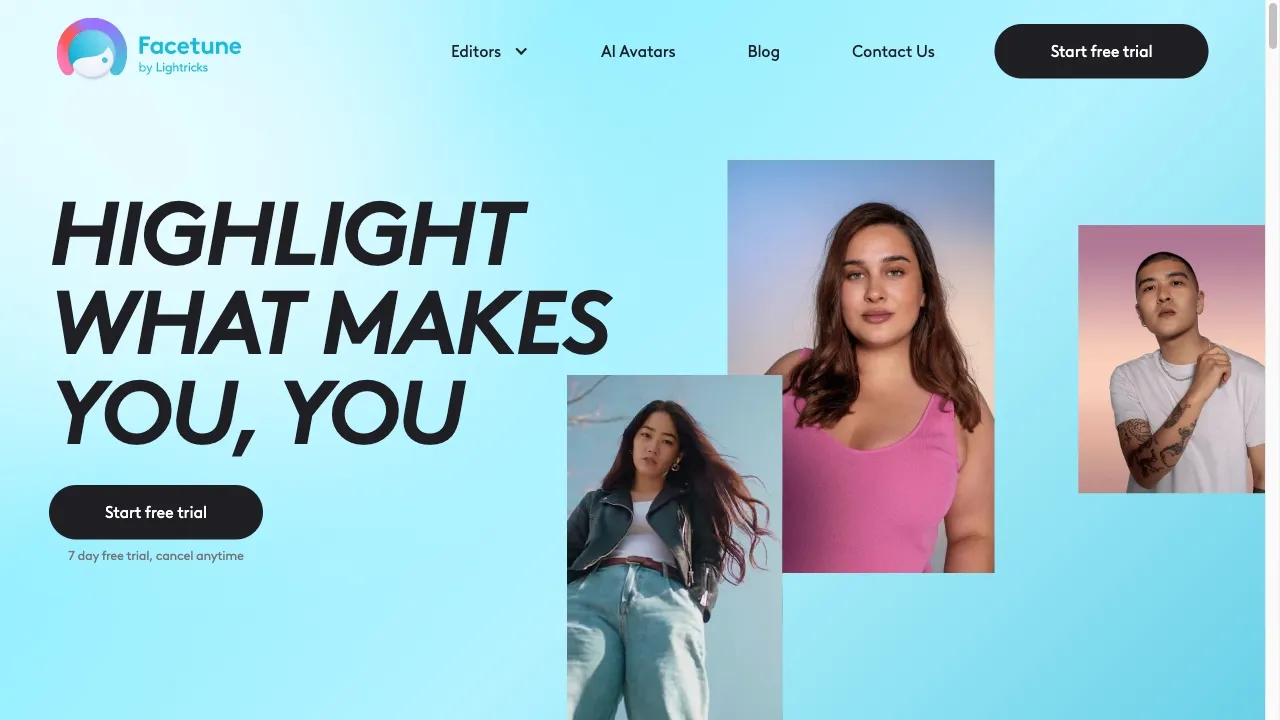
Facetune lets you retouch photos and videos, adjust lighting, apply filters, and experiment with different looks. Its tools cover blemish removal, teeth whitening, object removal, virtual hairstyles and clothing, and video touch-ups. You can also create headshots, make social profile images, and use color analysis or face-shape detection for personalized style suggestions. The editor is designed for quick edits as well as more extensive transformations.
Ads
What is Facetune?
Facetune is a photo and video editor centered on selfies, portraits, and social content. For photos, it offers retouching tools such as blemish removal and teeth whitening, alongside cropping, filters, background removal, object removal, reshaping, makeup effects, and virtual hairstyle or outfit previews. Video tools include filters, background blur, retouching, makeup effects, and background-noise removal. AI features can enhance images, create headshots, add a smile, or change hair and clothing. Separate color-analysis and face-shape tools provide palette and styling suggestions. Facetune also includes creation workflows for profile pictures, social stories, passport photos, and professional headshots. Users can choose an image or video, make targeted edits, and adjust the result to suit their intended style.
Who will use Facetune?
- Selfie and portrait editors
- Social media creators and influencers
- People preparing profile pictures or headshots
- Users exploring hairstyles, makeup, clothing, or color palettes
- Individuals editing photos and videos for personal use
How to use the Facetune?
- Step1: Open Facetune on the web or in the mobile app.
- Step2: Choose a photo or video to edit, or select a creation workflow such as a profile picture or headshot.
- Step3: Pick the relevant tool, such as retouching, filters, object removal, hairstyle previews, or video enhancement.
- Step4: Adjust the edit and review the result.
- Step5: Finish the image or video for personal use or social sharing.
Platform
- Android
- iOS
Facetune's Core Features & Benefits
The Core Features
- Photo retouching and selfie enhancement
- Video retouching, filters, and background blur
- Object and background removal
- Virtual hairstyle, hair color, and outfit previews
- AI headshot creation and image enhancement
- Color analysis and face-shape recommendations
The Benefits
- Make targeted portrait edits without a separate editing workflow
- Prepare photos and videos for social profiles and posts
- Preview different personal styles on images
- Create profile pictures and headshots for different contexts
Facetune's Main Use Cases & Applications
- Retouching selfies and portraits
- Preparing photos and videos for social media
- Creating profile pictures and professional headshots
- Trying hairstyle, hair color, makeup, or clothing looks
- Removing unwanted objects or backgrounds from photos
- Getting personalized color and face-shape styling suggestions
Facetune's Pros & Cons
The Pros
Combines portrait, photo, and video editing tools
Includes specialized options such as object removal, virtual style previews, and AI headshots
Offers style-analysis tools with personalized suggestions
Available through a browser editor and mobile apps
The Cons
Some advanced tools require VIP access
Watermark-free editing is reserved for VIP users
Facetune's Pricing
| Has free plan | YES |
|---|---|
| Free trial details | 7 day free trial, cancel anytime |
| Pricing model | freemium |
| Is credit card required | No |
| Paid from | |
| Has lifetime plan | No |
| Billing frequency |
FAQs of Facetune
Facetune Company Information
- Website:
- Company Name: Lightricks
- Support Email:
- Facebook:
- X(Twitter):
- YouTube:
- Instagram:
- Tiktok:
- LinkedIn:
Analytic of Facetune
Visit Over Time
Monthly Visits
419.6K
Avg Visit Duration
00:01:07
Page Per Visit
4.23
Bounce Rate
40.02%
Jul 2026 - Sep 2026 All Traffic
Geography
Top 5 Regions

United States
39.77%
United Kingdom
6.3%
Canada
5.36%
Australia
4.47%
India
3.21%
Jul 2026 - Sep 2026 Worldwide Desktop Only
Traffic Sources
SearchPaid
43.43%
SearchOrganic
22.28%
DisplayAds
13.44%
Direct
5.81%
GenAi
5.67%
Referrals
2.91%
SocialPaid
2.50%
Mail
2.49%
SocialOrganic
1.47%
Sep 2026 Desktop Only
Top Keywords
| Keyword | Traffic | Cost Per Click |
|---|---|---|
| facetune | 17.1k | $1.76 |
| face tune | 2.1k | $2.36 |
| what is facetune | 1.9k | $3.42 |
| facetune online | 980 | $4.26 |
| face tune app | 320 | $4.48 |
Facetune Reviews
5/5
Facetune's Main Competitors and alternatives?
Adobe Photoshop
Snapseed
VSCO
PicsArt
AirBrush
You may also like:
Turn one or two portraits into short rap performances with generated vocals, music, selectable scenes, and downloadable video clips.
Create a professional headshot from one clear photo, choosing your preferred outfit and background in about 30 seconds.
AI-powered service that turns selfies into professional headshots quickly and affordably.
AI couple photo generator that turns two photos into romantic, photorealistic scenes in minutes.
Create realistic AI couple portraits from selfies with themed styles, fast generation, and private HD downloads.
AI-powered web app generating full character design sheets with turnarounds, expressions and pose references.
AI-powered image editor turning photos and text prompts into high-quality, consistent, commercial-ready images for creators and brands.
Nano Banana is a web-based AI image generator and editor powered by Google's Gemini models for studio-quality visuals.
Whisk AI remixes images using Google Gemini and Imagen 3 to generate custom, high-resolution artwork from references.
Instant AI baby face generator creating realistic future child images from parents' photos in seconds, private and fun.
Free web-based AI face swap enabling instant, realistic photo and video swaps with no signup or watermarks.
PiCrafts is an AI-powered image generator and editor that creates and transforms high-quality visuals instantly.
AI Picture Generator turns text or photos into high-quality images for ads, profiles, and e-commerce in seconds.
Qwen-Image-2512 is a fast, high-resolution AI image generator with native Chinese text support.
Nano Banana Pro is a powerful AI image generator delivering 4K photorealistic images quickly.
Nano Banana Pro is a next-gen AI image generator with 4K-ready, fast, consistent visuals.
Nana Banana Pro is an advanced AI image editor offering professional-grade character consistency across various poses and styles.
Nano Banana is an advanced text-to-image AI model offering precision image creation and editing.
Nano Banana Pro offers fast AI-powered 2K/4K image generation and editing with natural language commands.