
- Free self-hosted version

n8n
0
n8n lets teams connect business applications, APIs, and AI models in visual workflows, then add code for more complex logic. Build automations such as onboarding, alert triage, lead qualification, and AI-assisted reporting. Inspect agent decisions and past runs, add human approvals and rules, and choose hosted deployment or self-hosting on-premises or with Docker.
Promote this Tool
Update this Tool
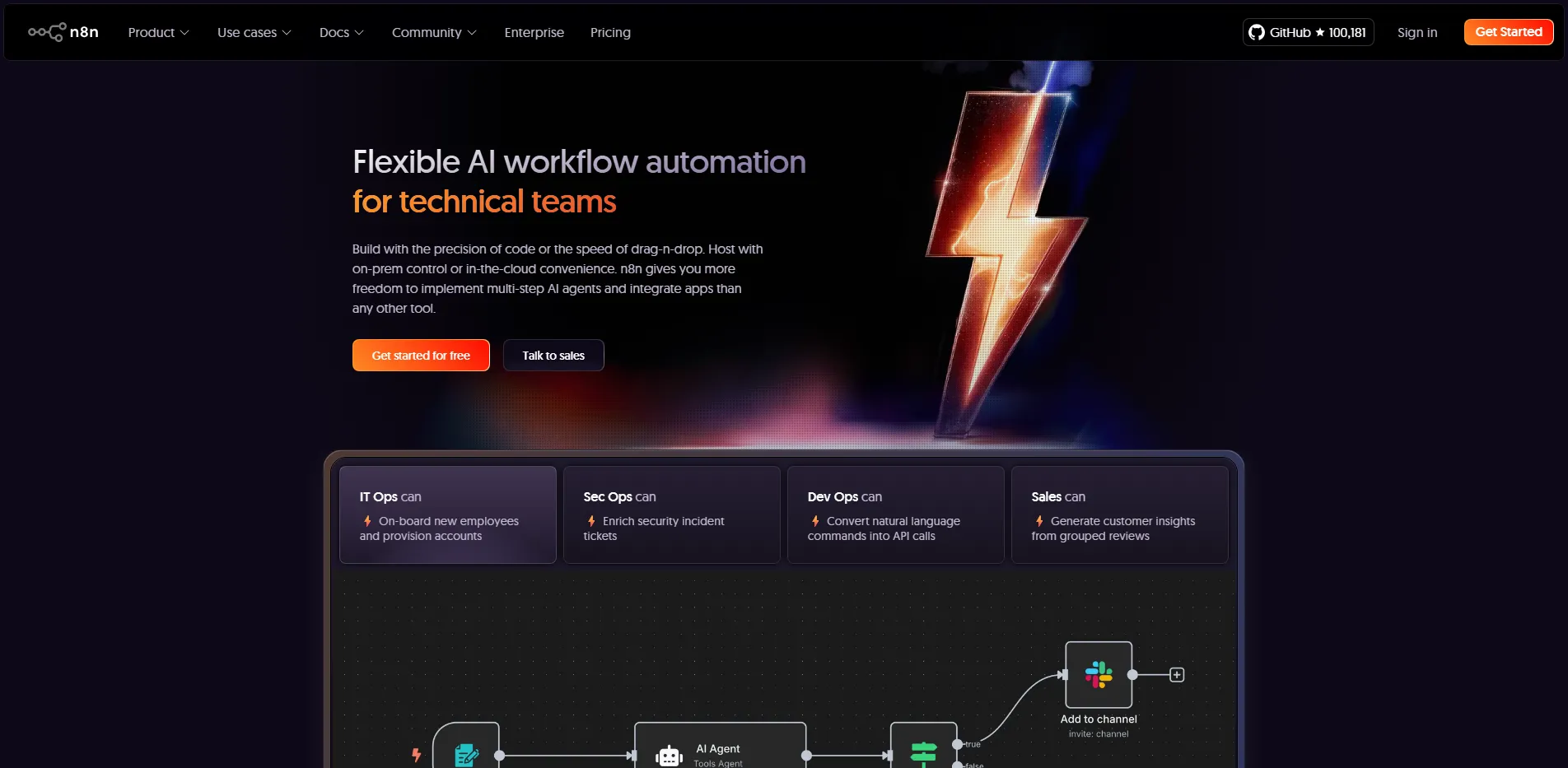
n8n lets teams connect business applications, APIs, and AI models in visual workflows, then add code for more complex logic. Build automations such as onboarding, alert triage, lead qualification, and AI-assisted reporting. Inspect agent decisions and past runs, add human approvals and rules, and choose hosted deployment or self-hosting on-premises or with Docker.
Ads
What is n8n?
n8n is a workflow automation platform for connecting business applications, APIs, and AI models. Its visual builder lets teams arrange workflow steps, while code can be added when a process needs custom logic. The platform offers 500+ native integrations, HTTP access to APIs, and connections to agents or coding assistants through MCP. AI workflows can use structured inputs and outputs, human approvals, and rule-based controls. Users can watch agents run, inspect previous executions, review logs, replay past runs, and rerun a failed step. Version history tracks changes. Teams can use n8n as a hosted service or deploy it on-premises or with Docker, with enterprise features including SSO SAML, LDAP, RBAC, audit logs, and workflow governance.
Who will use n8n?
- Technical teams and developers building integrations and automations
- IT and DevOps teams automating onboarding and operational processes
- Security operations teams investigating and routing alerts
- Sales teams qualifying leads and updating records
- Business teams creating AI-assisted workflows and reports
How to use the n8n?
- Step1: Create an n8n account for the hosted service or prepare an environment for a self-hosted deployment.
- Step2: Choose the apps, APIs, or AI models your process needs and connect them through native integrations, HTTP, or MCP.
- Step3: Arrange workflow steps in the visual builder and configure triggers, inputs, outputs, and logic.
- Step4: Add code, structured AI actions, rules, or human approval steps where the process requires them.
- Step5: Run the workflow, inspect its execution and logs, then replay a past run or rerun a step to troubleshoot.
- Step6: Track changes with version history and put the workflow into use.
Platform
- Web
- Linux
- Mac
- Windows
n8n's Core Features & Benefits
The Core Features
- Visual workflow builder with optional code for custom logic
- 500+ native integrations, plus HTTP API and MCP connections
- AI agent workflows with structured inputs and outputs
- Human-in-the-loop approvals and rule-based controls
- Live and historical execution visibility, logs, and replay
- Hosted service and self-hosting on-premises or with Docker
The Benefits
- Connects apps, APIs, and AI actions in one workflow
- Makes agent actions and workflow runs easier to inspect
- Lets teams add approval and rule checks to automated actions
- Supports both visual low-code building and custom code
- Enables teams to keep deployments and data in their own environment
n8n's Main Use Cases & Applications
- Automating employee onboarding across Slack, Jira, and Notion
- Investigating security indicators and summarizing findings
- Triaging alerts and routing them by severity
- Qualifying sales leads and updating records
- Processing refund requests with a human decision step
- Creating scheduled news digests and social publishing workflows
n8n's Pros & Cons
The Pros
Combines a visual builder with the option to add code for complex workflows
Offers 500+ native integrations and connections to APIs and MCP-compatible tools
Includes execution visibility, logs, workflow history, and replay features
Supports on-premises and Docker self-hosting as well as a hosted version
Provides human approvals and rule-based controls for AI actions
The Cons
Building workflows requires users to configure and connect the required steps rather than relying on a ready-made standalone agent
Self-hosting requires users to deploy and manage their own environment
n8n's Pricing
| Has free plan | YES |
|---|---|
| Free trial details | The Business plan includes a 14-day free trial. |
| Pricing model | freemium |
| Is credit card required | No |
| Paid from | 20 EUR |
| Has lifetime plan | No |
| Billing frequency | monthly/yearly |
Details of Pricing Plan
Community Edition
0 EURStarter
20 EUR per month, billed annually- 2,500 workflow executions
- Unlimited steps
- Billed annually
Pro
50 EUR per month, billed annually- 10,000 workflow executions
- Unlimited steps
- Billed annually
Business
667 EUR per month, billed annually- 40,000 workflow executions
- Unlimited steps
- Self-hosted only
- Billed annually
Discount:Annual billing saves 17% on plans, and eligible startups with fewer than 20 employees can get 50% off the Business plan.
For the latest prices, please visit: https://n8n.io/pricing/FAQs of n8n
n8n Company Information
- Website:
- Company Name: n8n
- Support Email:
- Facebook:
- X(Twitter):
- YouTube:
- Instagram:
- Tiktok:
- LinkedIn:
Analytic of n8n
Visit Over Time
Monthly Visits
4.9M
Avg Visit Duration
00:03:02
Page Per Visit
2.95
Bounce Rate
53.10%
Jul 2026 - Sep 2026 All Traffic
Geography
Top 5 Regions

India
13.34%
United States
12.99%
Germany
5.39%
Vietnam
4.2%
France
3.5%
Jul 2026 - Sep 2026 Worldwide Desktop Only
Traffic Sources
SearchOrganic
42.19%
Direct
35.55%
Referrals
7.38%
SearchPaid
5.04%
SocialOrganic
3.25%
GenAi
2.54%
Mail
1.75%
DisplayAds
1.73%
SocialPaid
0.52%
Affiliate
0.05%
Sep 2026 Desktop Only
Top Keywords
| Keyword | Traffic | Cost Per Click |
|---|---|---|
| n8n | 1536.8k | $0.75 |
| gemini ai | 19374.5k | $0.27 |
| tiktok video downloader | 584.6k | $0.39 |
| n8n workflows | 34.6k | $2.42 |
| n8n ai | 19.6k | $2.08 |
n8n Reviews
5/5
n8n's Main Competitors and alternatives?
You may also like:
Automate multi-step web tasks by turning plain-language instructions into navigation, form interactions, and retrieved data in a locally run browser.
Diagrid keeps AI agent workflows running through crashes, preserves state, and cryptographically proves every completed execution step.
Zens AI answers SaaS questions, identifies customers, and turns recurring feedback into actionable product and engineering workflows.
Reduce law firm admin by running intake, matter updates, email filing, and deadlines through approved AI agents.
Floatboat is a calendar-first proactive agent OS that prepares, executes, and follows up on scheduled work.
Loopa is an AI agent platform that automates research, content creation, analysis, and workflow execution.
An autonomous AI agent that executes long tasks across apps, websites, and cloud computers end to end.
Conversational AI assistant automating research, browser tasks, web scraping, and file management through natural language.
Refly.AI empowers non-technical creators to automate workflows using natural language and a visual canvas.
Cli3nts is an AI-powered LinkedIn agent automating engagement, prospecting, and content creation.
Eigent is an open-source AI workforce platform managing complex workflows via multi-agent collaboration.
Ask questions, research the web, summarize information, draft content, and generate images through one conversational assistant.
Appian connects AI agents, employees, and enterprise systems to automate workflows across finance, supply chain, HR, and operations.
Turn speech into natural, real-time AI conversations with LLM connections, interruption handling, and noise suppression.